
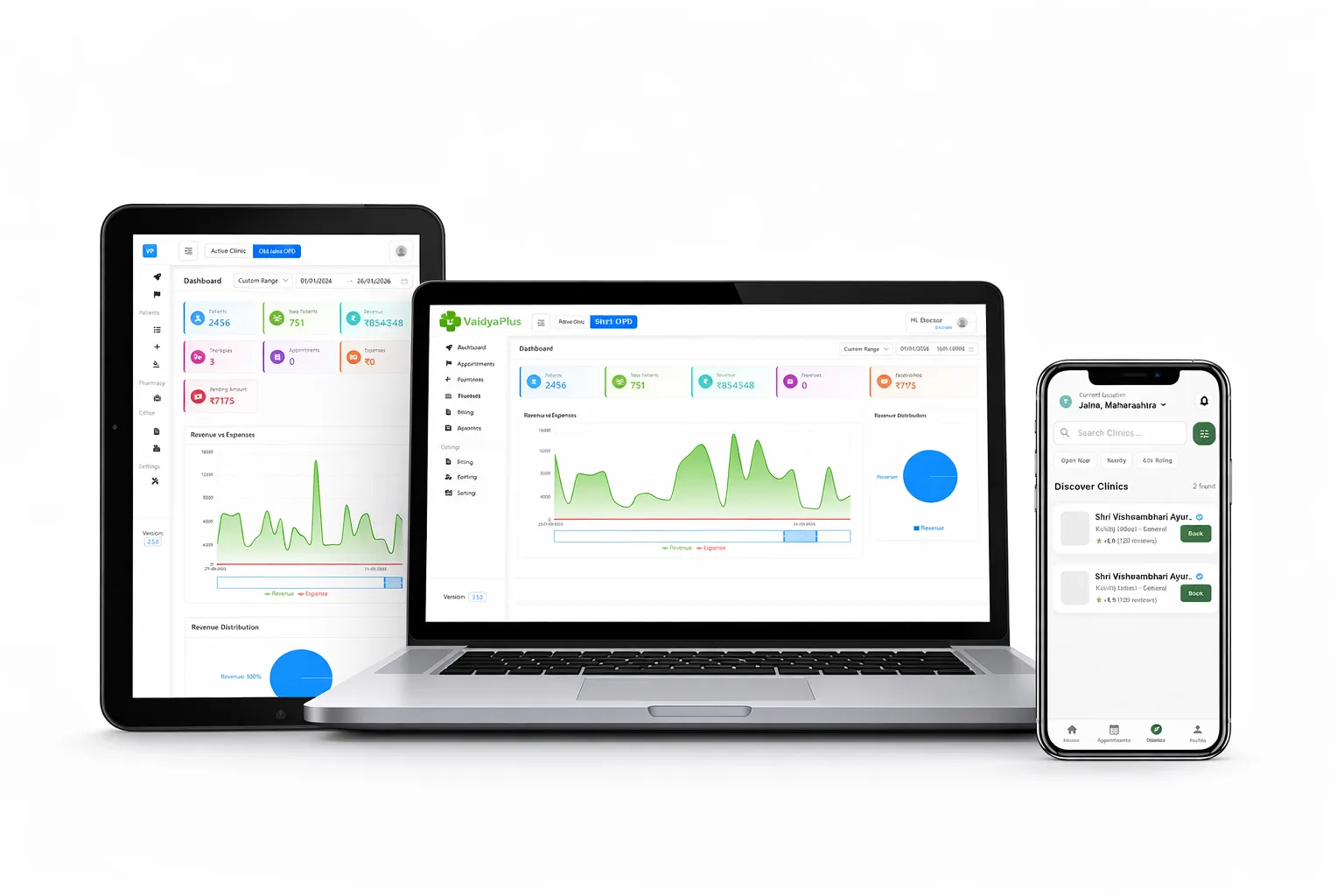
Moving an Ayurvedic clinic from paper to software does not need a closing day. The simplest approach is to start with new patients and today’s appointments, upload your stock, and add older history only as patients return.
This plan breaks the move into steps a small clinic can follow in a few weeks.
Key takeaways
- Do not digitise every old file. Start with new and active patients.
- Upload stock in bulk from a spreadsheet.
- Train one role at a time: reception first, then the doctor, then pharmacy.
- Run paper and software side by side for a short period, then stop paper.
Step 1: decide what you want from it
Write down the three tasks that cost your clinic the most time. Typical answers are prescriptions, finding old visits and counting stock. Use them as the test during your demo.
Step 2: set up the clinic
- Add your clinic and doctors.
- Add staff with only the access they need.
- Set your tax and billing preferences.
- Build your therapy catalog with duration, price, room and slot.
Step 3: upload stock
If you run a pharmacy, bulk upload your items from a spreadsheet with batches, expiry dates and rack numbers. See our pharmacy guide.
Step 4: start with new patients
Register new patients in the software. For returning patients, enter their details on the first visit. Within a few weeks, your active patients are in the system.
Step 5: train by role
- Reception: registration, appointments and billing.
- Doctor: consultation, examination and prescription.
- Pharmacy: queue, dispensing and stock.
Step 6: run both for a while, then stop paper
Keep the paper register for a short time as a safety net. When staff are comfortable, retire it.
Common worries
Will we lose old records? Keep your paper files. Add history as patients return.
Will patients mind? Most notice only that their prescription is on WhatsApp and their bill is clear.
See it working on your own clinic’s day
Book a short demo and we will show the screens that matter for the way you practise.
Frequently asked questions
Do I have to enter all my old records?
No. Start with new and active patients and add older history as they return.
How do I load my stock?
By bulk upload from a spreadsheet.
How long does the move take?
It depends on the clinic and how much history you add. You can begin with new patients straight away and add the rest over time.
Who should I train first?
Reception first, then the doctor, then pharmacy staff.